Why I Decided to Build My Own Homelab?
- Tech
Not too long ago, I came across an Instagram video of a guy explaining how a NAS works. He was showcasing a model from UGREEN, among other things.
While watching, a little voice in the back of my head reminded me of something:
"Wait… didn't you want a NAS yourself at some point?"
Since I'm already a UGREEN customer, I thought this might be the perfect opportunity to bring that old project back to life.
And the rest is history.
Now, enough talking. Let's get technical. 👇🏿
1. How a simple idea turned into an actual project
⚠️ DISCLAIMER: I'm not a sysadmin, a cloud engineer, or even remotely a cybersecurity consultant.
I'm just a curious developer who enjoys building stuff. In this article, I'll share my experience with the product I tested, along with a little bit of my life story.
We good? Aight, let's go!

First things first: what's a NAS?
Imagine an external hard drive. You plug it into your computer, store your photos, videos, and documents on it, and access them whenever you want… but only while the drive is connected to your computer.
Now imagine that same drive connected to your home network, always powered on, and accessible from all your devices: your desktop, your phone, your laptop…
That's essentially how a NAS (Network Attached Storage) works.
But a NAS isn't just about storing files. It can also run applications, host services, and automate certain tasks. And after the recent PHP security vulnerability, I started feeling like the universe was telling me to pick this project back up (or maybe I just gave in to capitalism?).
Basically, it's like having your own little server at home. A digital space that belongs to you, which you can organize and expand however you see fit. And that's a pretty solid foundation for building your own homelab.
So, how do you actually build one?
You can get started with an old PC. You don't need a ton of hardware to build your own server. However, it does require a bit more tinkering (which I didn't do, because… well, I was lazy).
Since I didn't have any old computers lying around to repurpose, the easiest option for me was to buy a NAS from my friends over at UGREEN (feel free to sponsor me too 🤲🏿).
Black Friday was just around the corner, so I jumped on the opportunity and got myself a pretty good deal: 900 CAD for the NAS + a UPS (Uninterruptible Power Supply).
A win is a win. 🐀
2. The hardware and my first steps into cloud engineering
I patiently waited for Black Friday to finally spend my hard-earned paycheck on the UGREEN NASync DXP4800 Plus.
It arrived incredibly fast: just two days!
And what struck me, aside from the fact that the box was HUGE, was how easy the initial setup was.
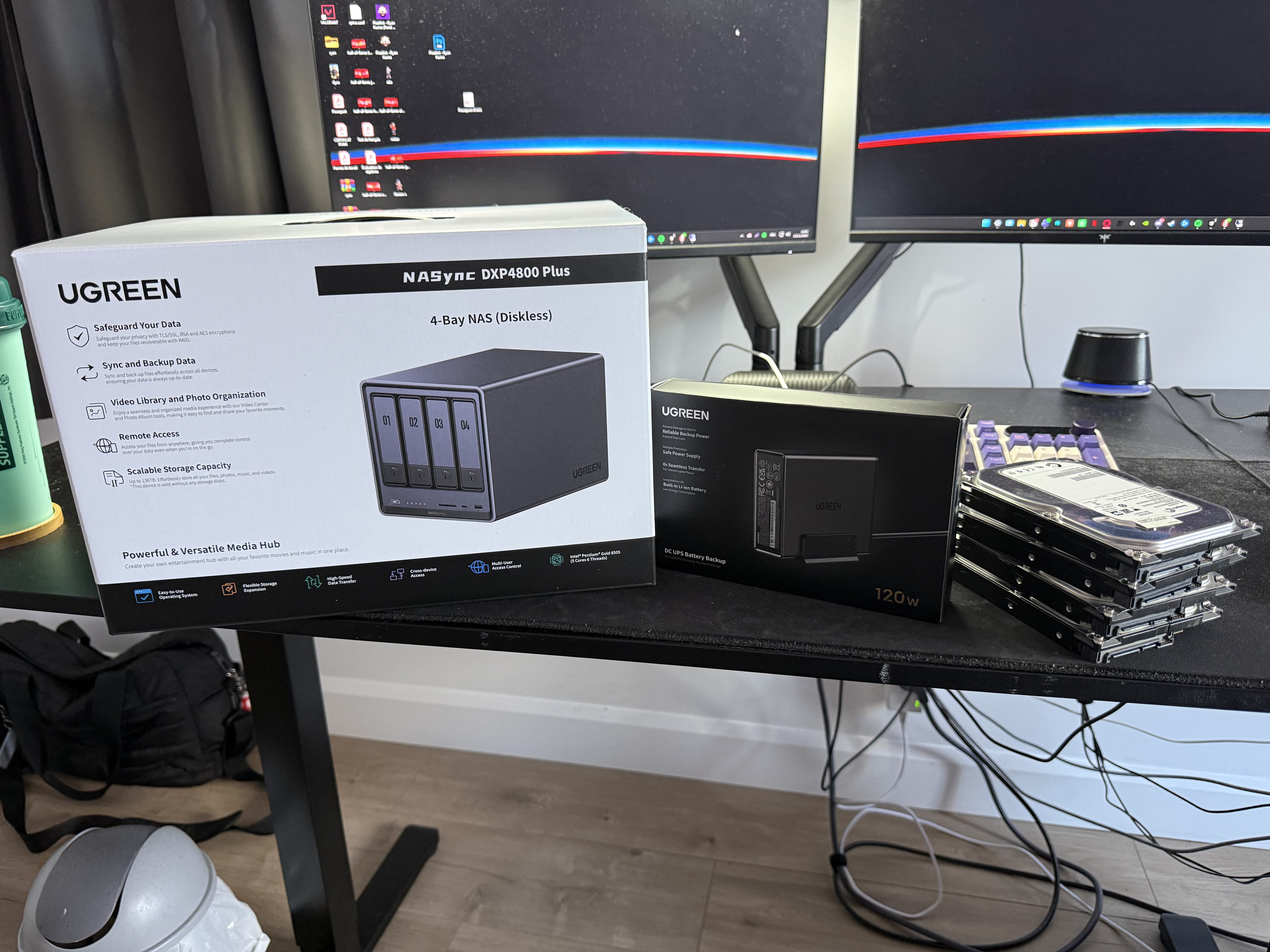
To be honest with you, I didn't even bother opening the user manual. It was pretty much plug and play!
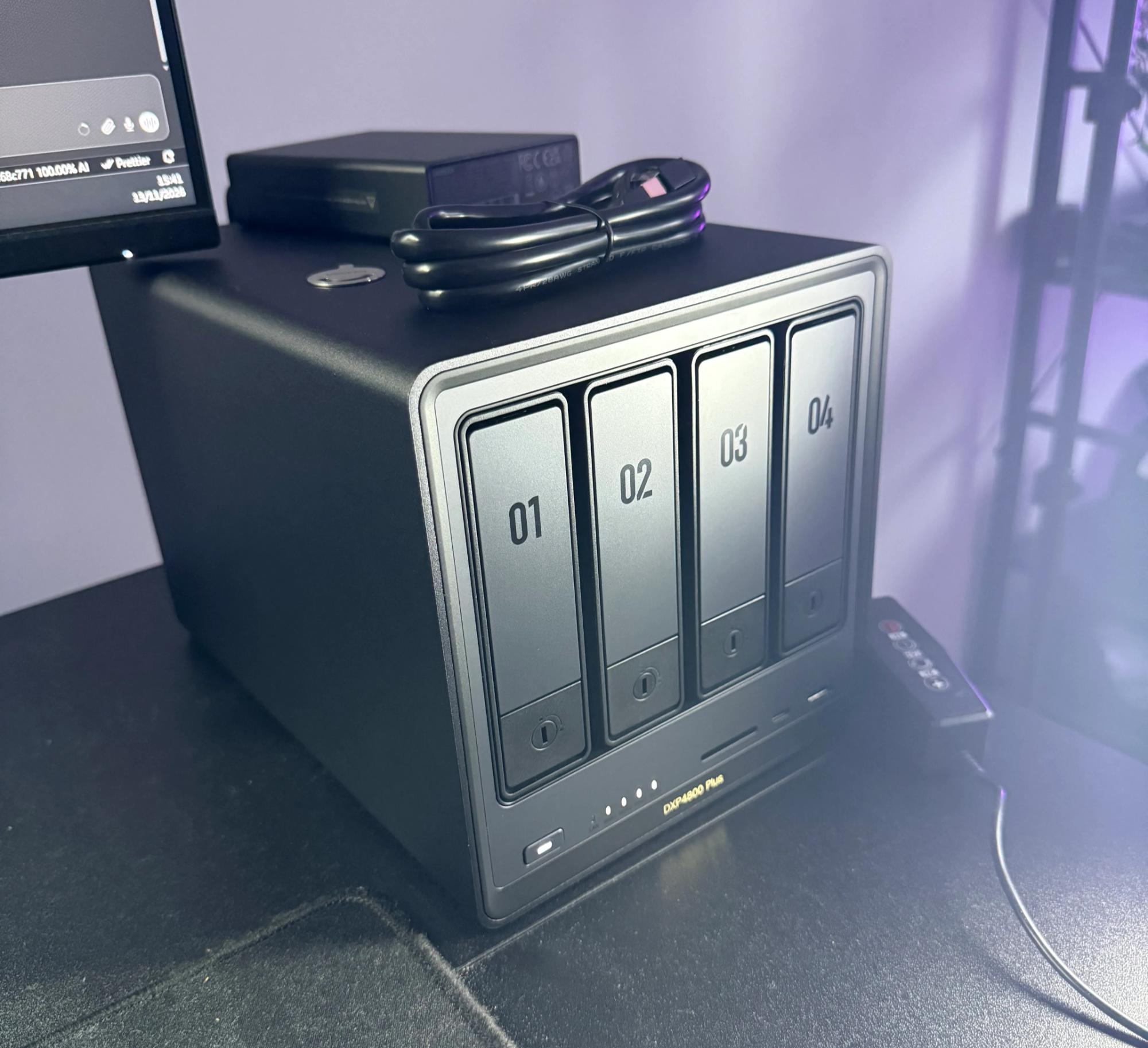
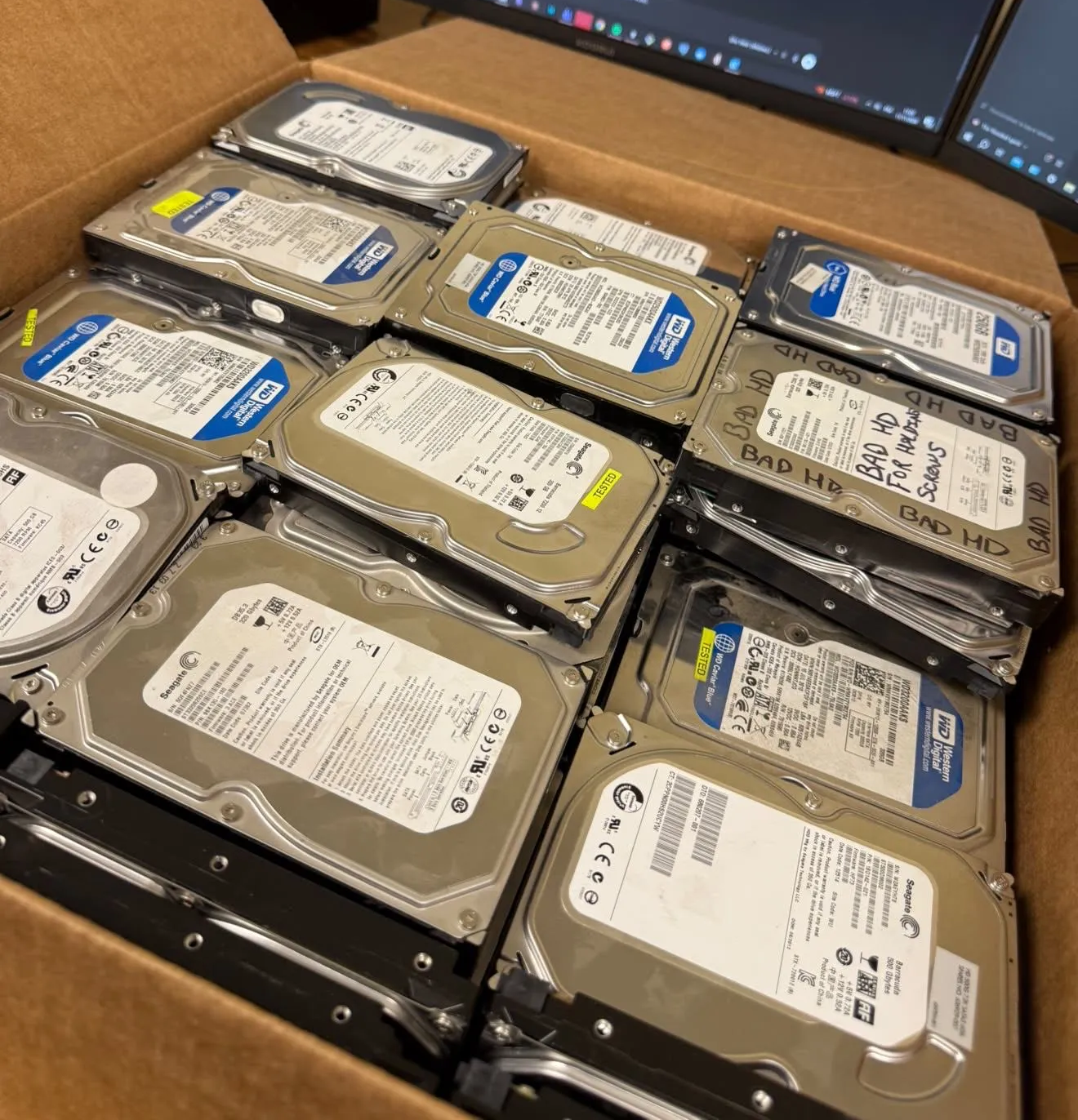
Before powering it on, I started by installing the hard drives I'd recovered from work into the NAS drive bays.
I then waited a few minutes for everything to initialize and simply followed the on-screen instructions.
Everything was incredibly intuitive and went smoothly. For a first-time experience, it doesn't get much easier than that.
UGREEN really kept it simple, sincerely. And within minutes, Nimbus was born! Say hello to the baby!
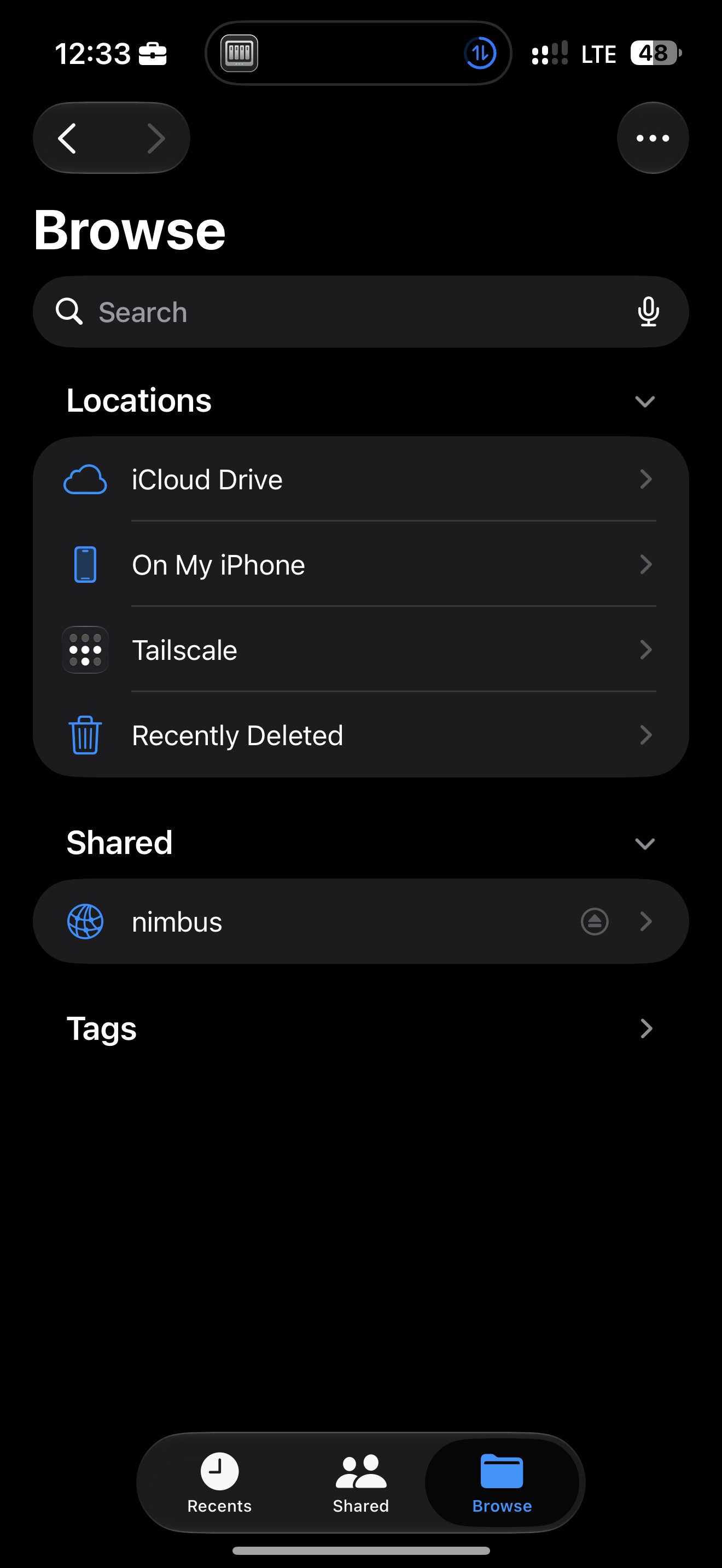
Once the NAS was connected to my network, a few documents had been uploaded, and the excitement of playing with my new toy had settled down, one question popped into my head:
"Okay, so how the hell do I get my application running on this mf?"
A bit of Terraform documentation, a few Bash commands, and several Docker containers later, I managed to deploy the backend of my application, Flip.
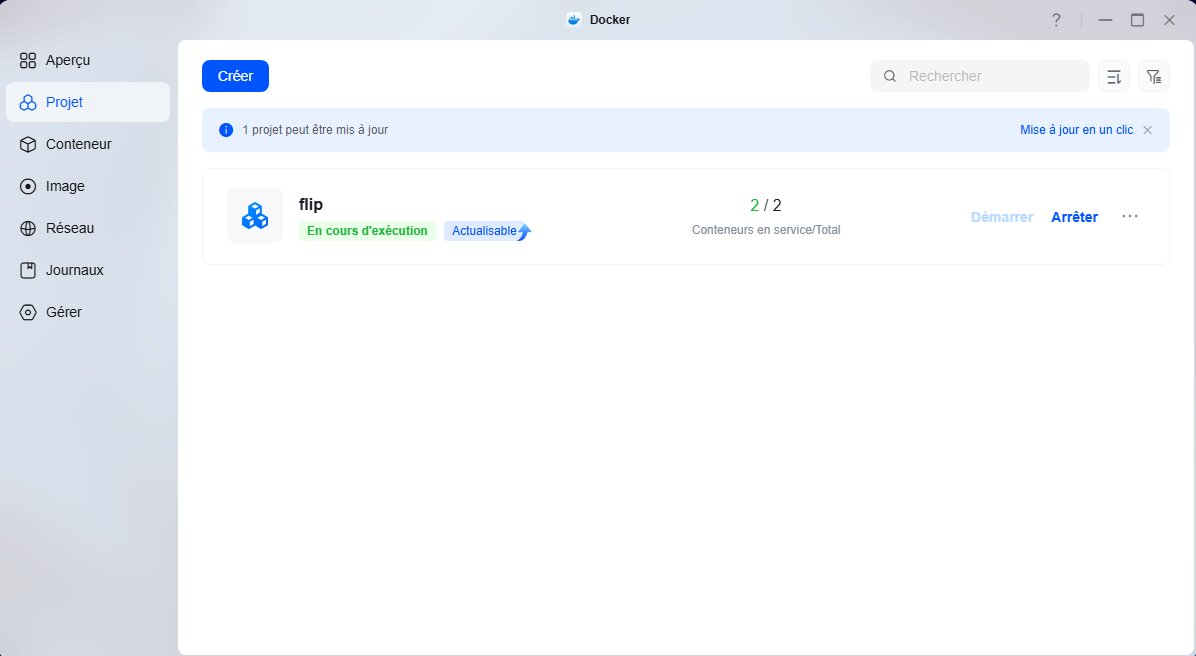
Let me take a quick detour here. 🤓
I already use Bash on a daily basis, and I had first been introduced to Docker back in school.
For the first time in my life, something I'd learned in class had actually come in handy! Well, I'll be damned.
Anyway, back to the story.
Terraform, on the other hand, was a completely different story. It was the perfect opportunity to explore a new tool and get my hands dirty with Infrastructure as Code (IaC) and cloud technologies in general.
So I wrote my own Terraform files to define and deploy Flip's infrastructure. Of course, I had a certain AI assistant helping me throughout the process. I'll spare you the name… but shhh. 🤫
Since then, I've obviously continued working on Flip, but I've also decided that my upcoming projects will be self-hosted directly on Nimbus.
And this decision isn't solely driven by the fun of tinkering with my own server or the opportunity to develop new skills.
The recent PHP security vulnerability also made me rethink how I was hosting my side projects. I'd rather have control over my deployment and hosting environment than systematically rely on an external provider.
Just imagine waking up tomorrow to find out that iCloud or Google Drive is down, and your entire digital life is sitting right there. Yikes…
A little technical side note: self-hosting your applications also comes with new responsibilities. You're now in charge of maintaining, securing, and ensuring the availability of your services.
Independence comes at a price! (Around 900 CAD in my case. 💸)
But honestly, if you're on a relatively tight budget, aren't afraid of reading documentation, and enjoy building stuff, I'd definitely recommend checking out UGREEN.
This is still not a sponsored post, just an honest review of a product that fits my needs.
3. Beyond tech
Alright, I think we've talked enough tech for today.
Let's not forget that a cloud is ultimately about preserving documents and memories, like photos, for example.
And in my case, there's a much more personal story behind this project.
My original motivation wasn't a love for technology or the desire to build something.
It was my brother.

Fly high, little angel. 🕊️
If this idea came back to life, it's largely thanks to him.
One of the things I wanted was a place to keep his photos and videos. Not just somewhere to dump old files on a hard drive, but somewhere I could actually preserve those memories.
If he were still here, he would probably have taken an interest in my project. He might not have understood everything, but he would have asked questions, wanted to know how it all worked and, knowing him, he would most certainly have asked for his own space on the server.
And I would have gladly given it to him.
Today, keeping him close through the projects I build is my way of continuing to share things with him.
That's also why Nimbus means so much more to me than just a homelab. ❤️